Plan the film before you generate
Turn a script into scenes, beats, shot lists, references, and generation tasks so every clip has a job in the final edit.
Early access for AI filmmakers and creator teams
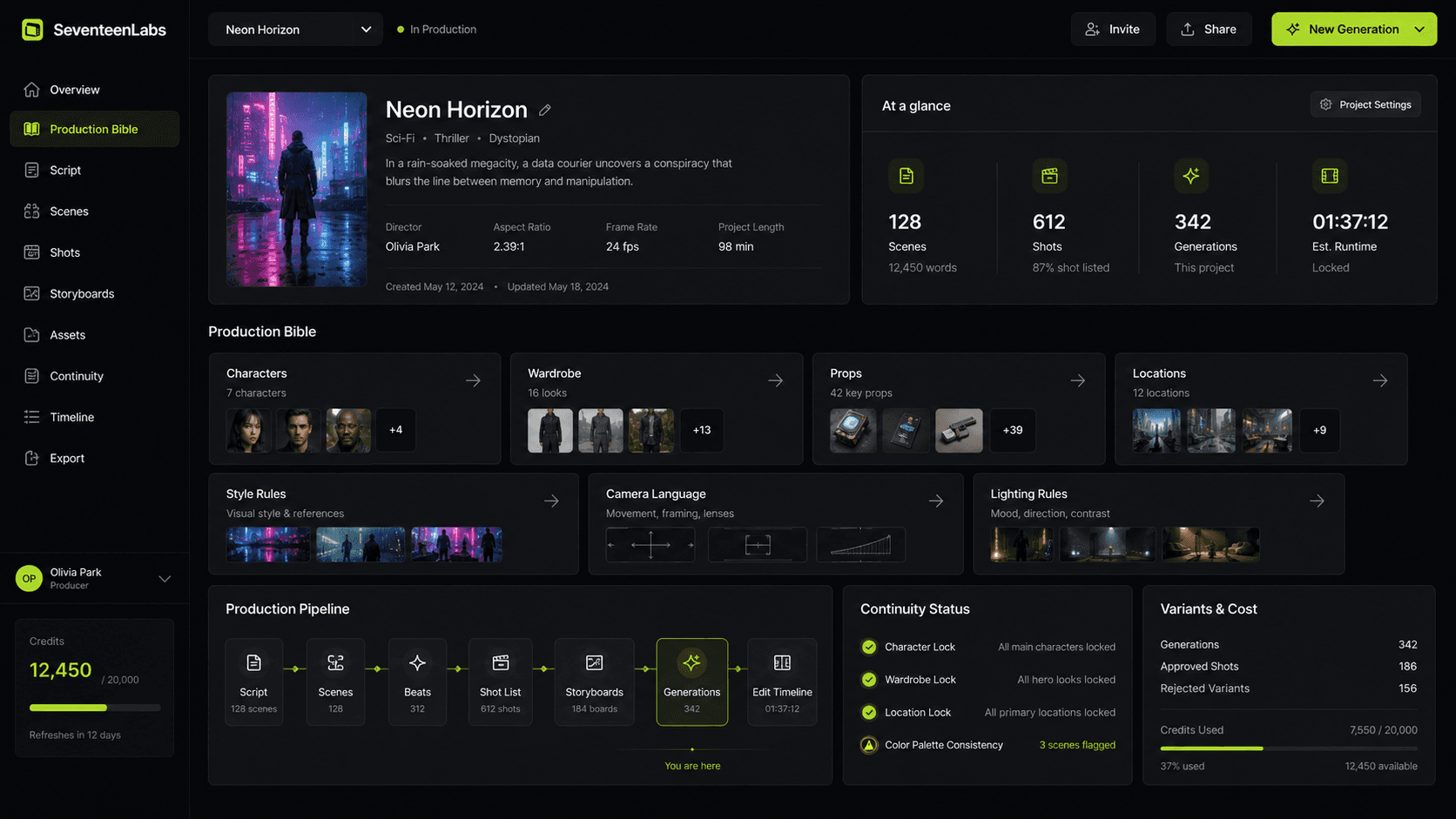
Build consistent AI-shot scenes from one production system. Lock characters, wardrobe, locations, references, shot intent, and continuity before generating.
Early access plans from $79 to $299/month. Select a plan before signup.
Built for creators turning AI clips into real productions
Early access
We are shaping the first workspace with people trying to make real AI films, pilots, ads, trailers, and recurring series. Select a plan, complete the early access signup, and accepted members receive the Stripe checkout link for that exact plan.
The problem
The hard part is not generating one impressive shot. It is keeping the same actor, outfit, room, prop, camera language, and story logic across an entire scene without burning credits on random retries.
Prompt-only tools
Characters morph, outfits change, and locations drift between clips
SeventeenLabs
Keeps identity, wardrobe, sets, props, and style rules attached to every shot
Generic video apps
You get beautiful five-second clips, then fight to make them work as a scene
SeventeenLabs
Starts from the script, scene, beat, camera move, and edit purpose before generation
Manual folders
References, rejected takes, prompts, edits, and continuity notes get scattered everywhere
SeventeenLabs
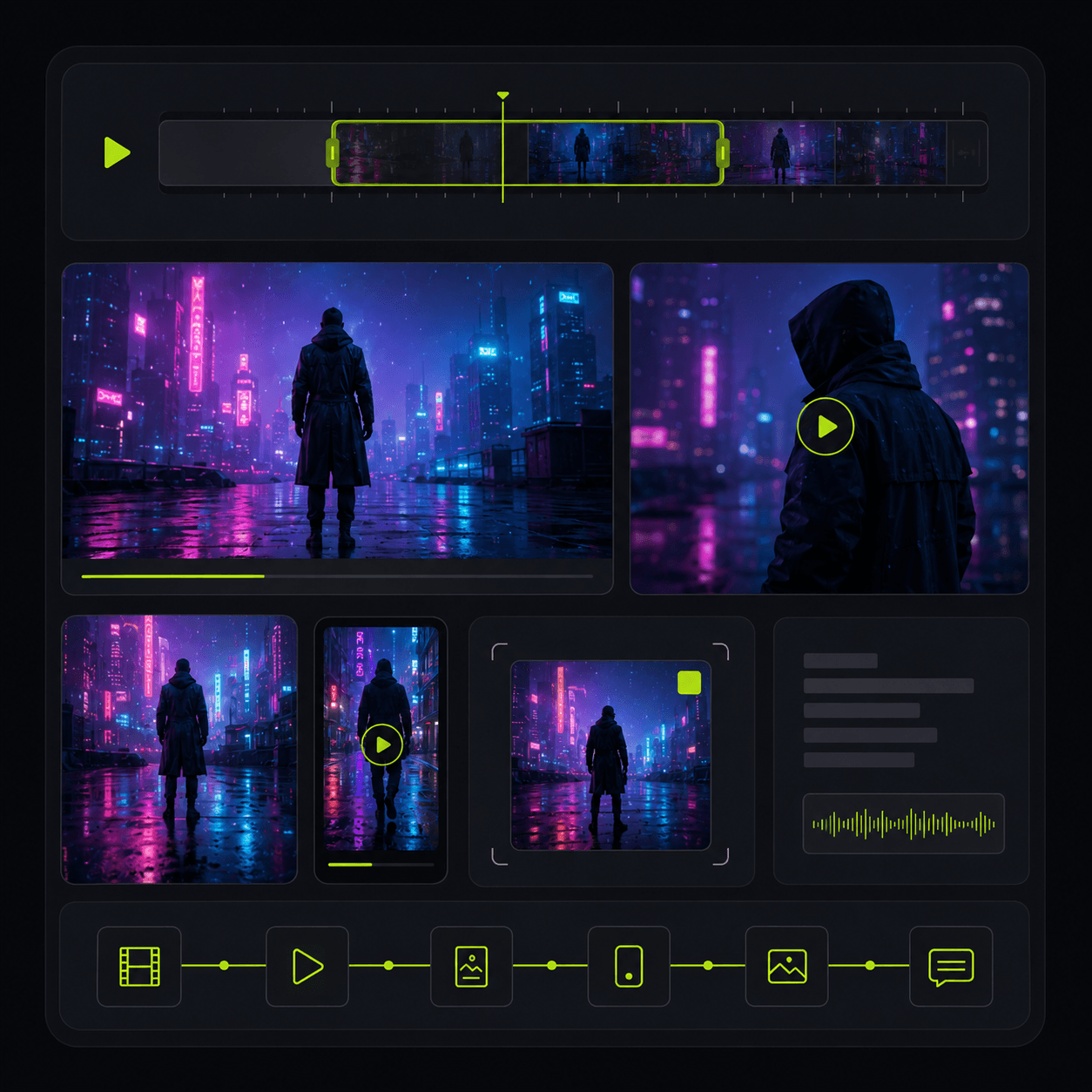
Keeps the production bible, shot history, versions, and exports in one workspace
Credit-burning iteration
Bad generations cost money because there is no clear way to diagnose what failed
SeventeenLabs
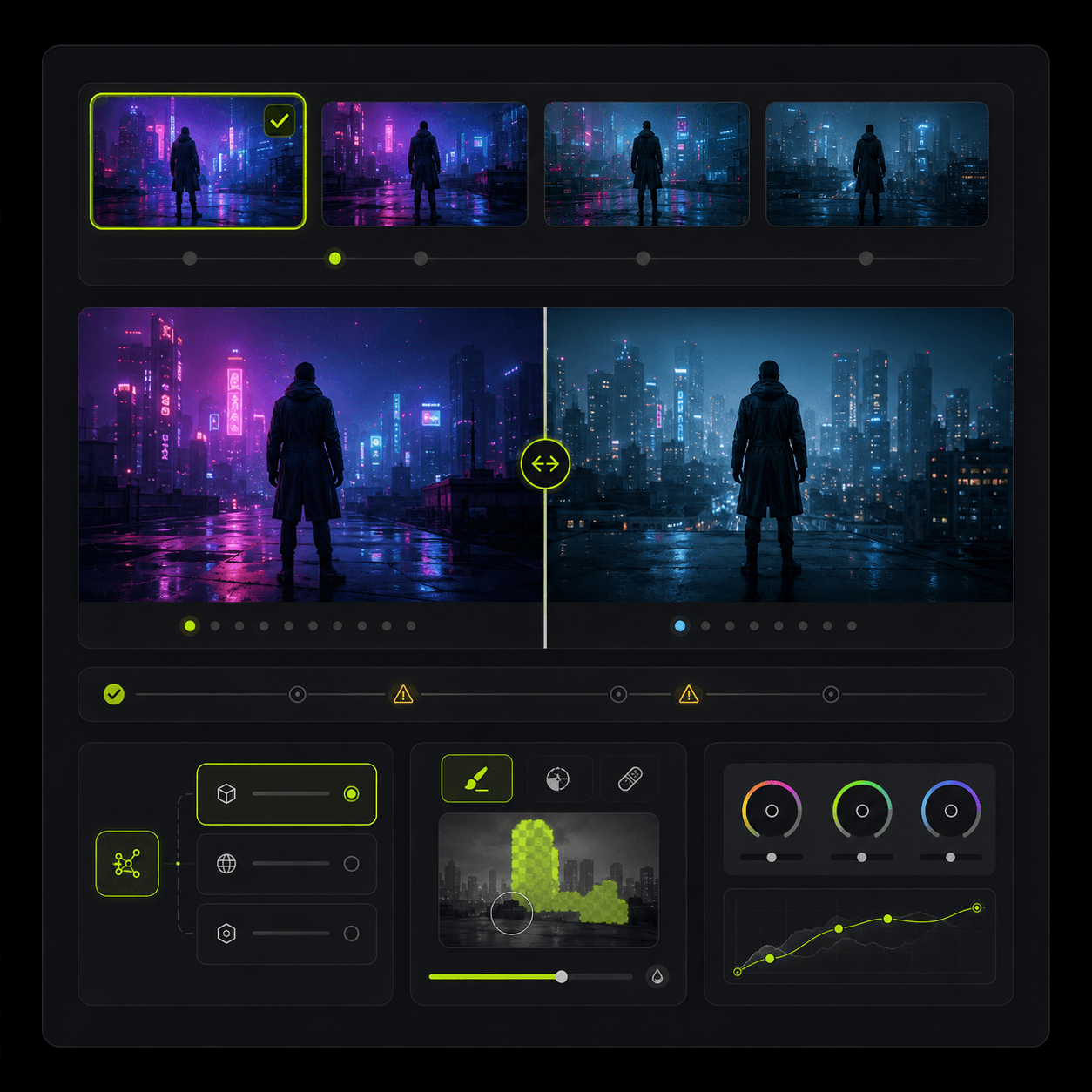
Tracks intent, references, continuity requirements, and fix notes so each retry gets smarter
Product
SeventeenLabs gives AI filmmakers the missing layer between the script and the generator: production bible, scene breakdown, shot planning, continuity memory, and generation briefs that keep the next take tied to the same creative system.
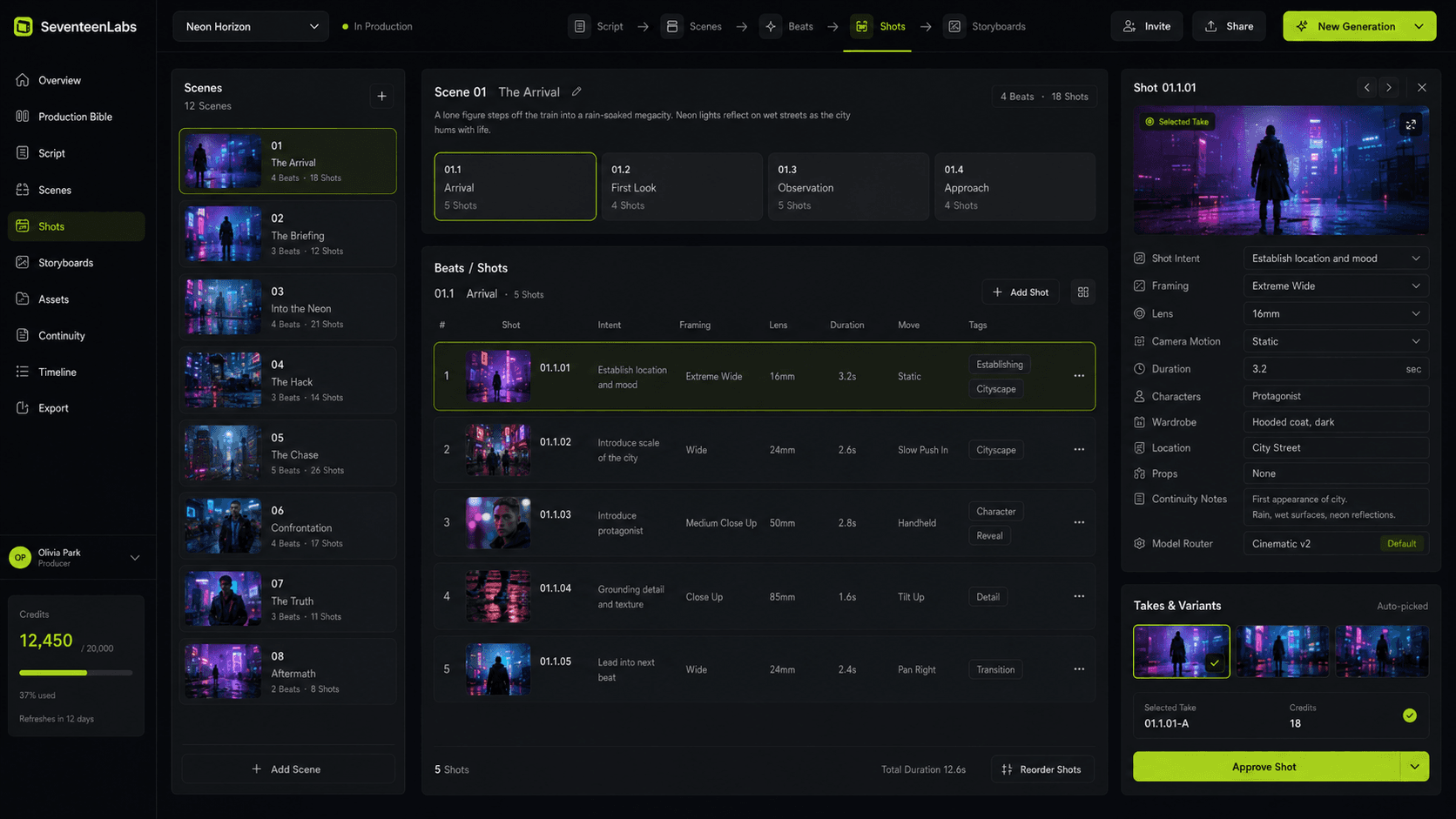
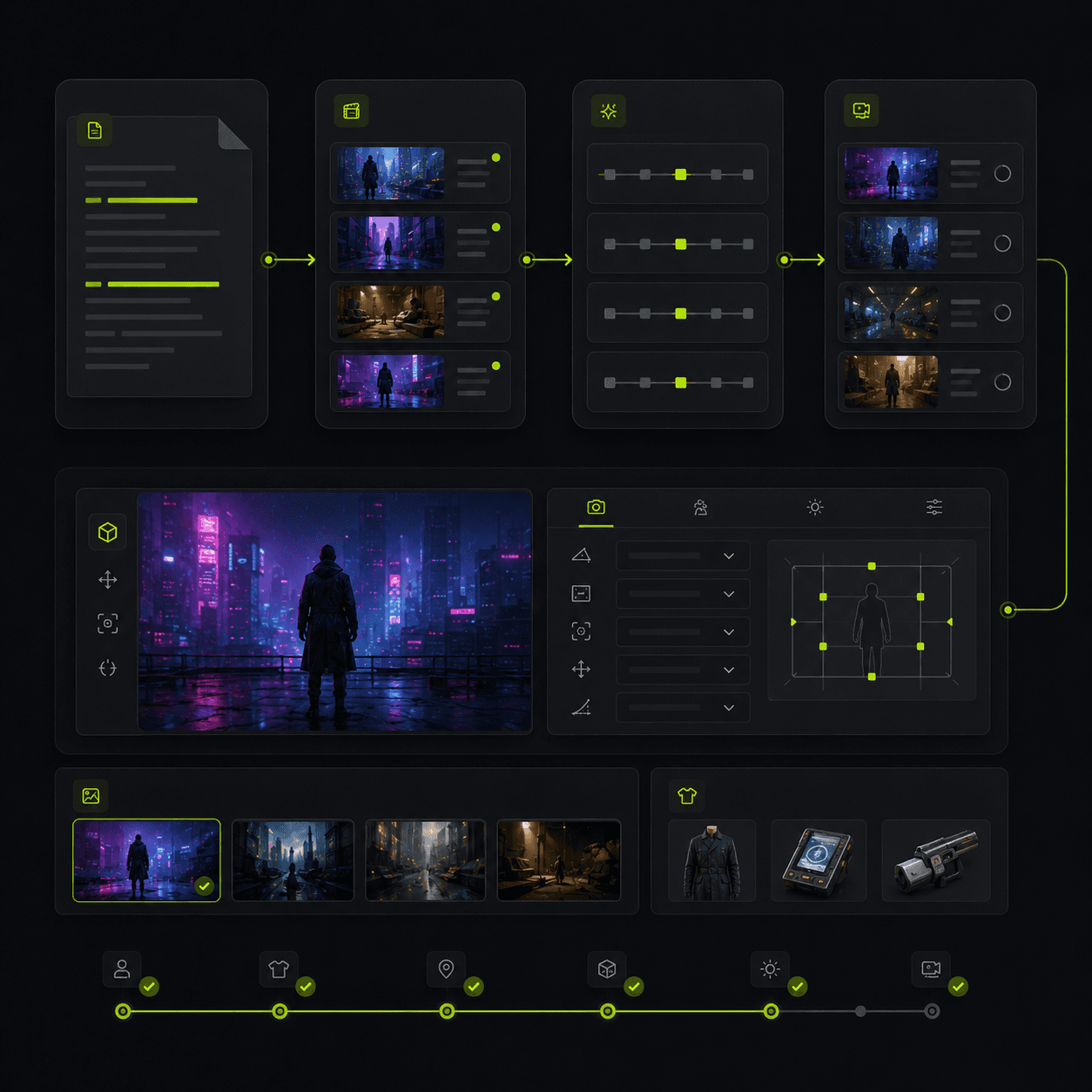
Turn a script into scenes, beats, shot lists, references, and generation tasks so every clip has a job in the final edit.
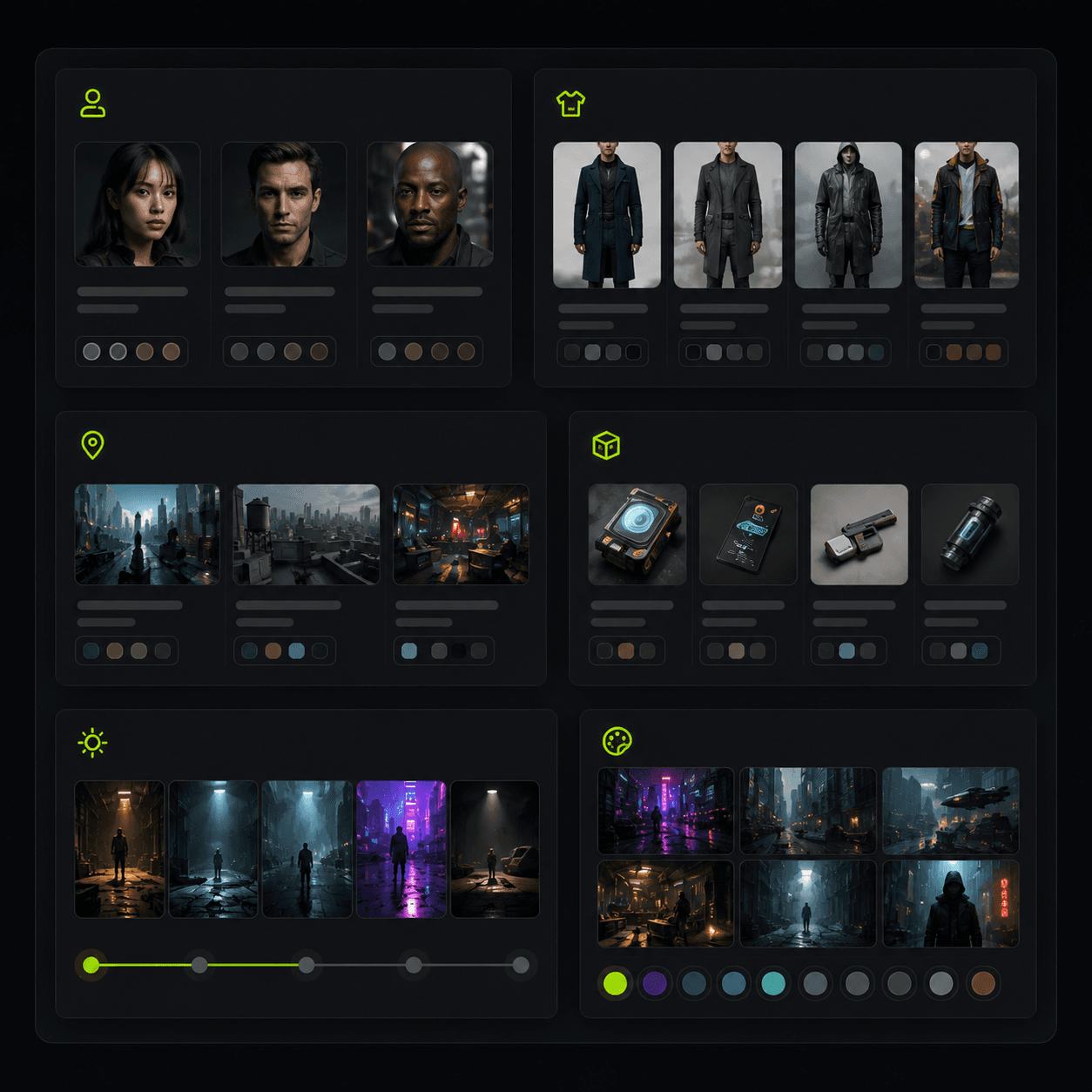
Store the face, wardrobe, location, lighting, props, and style rules that need to survive across every shot.
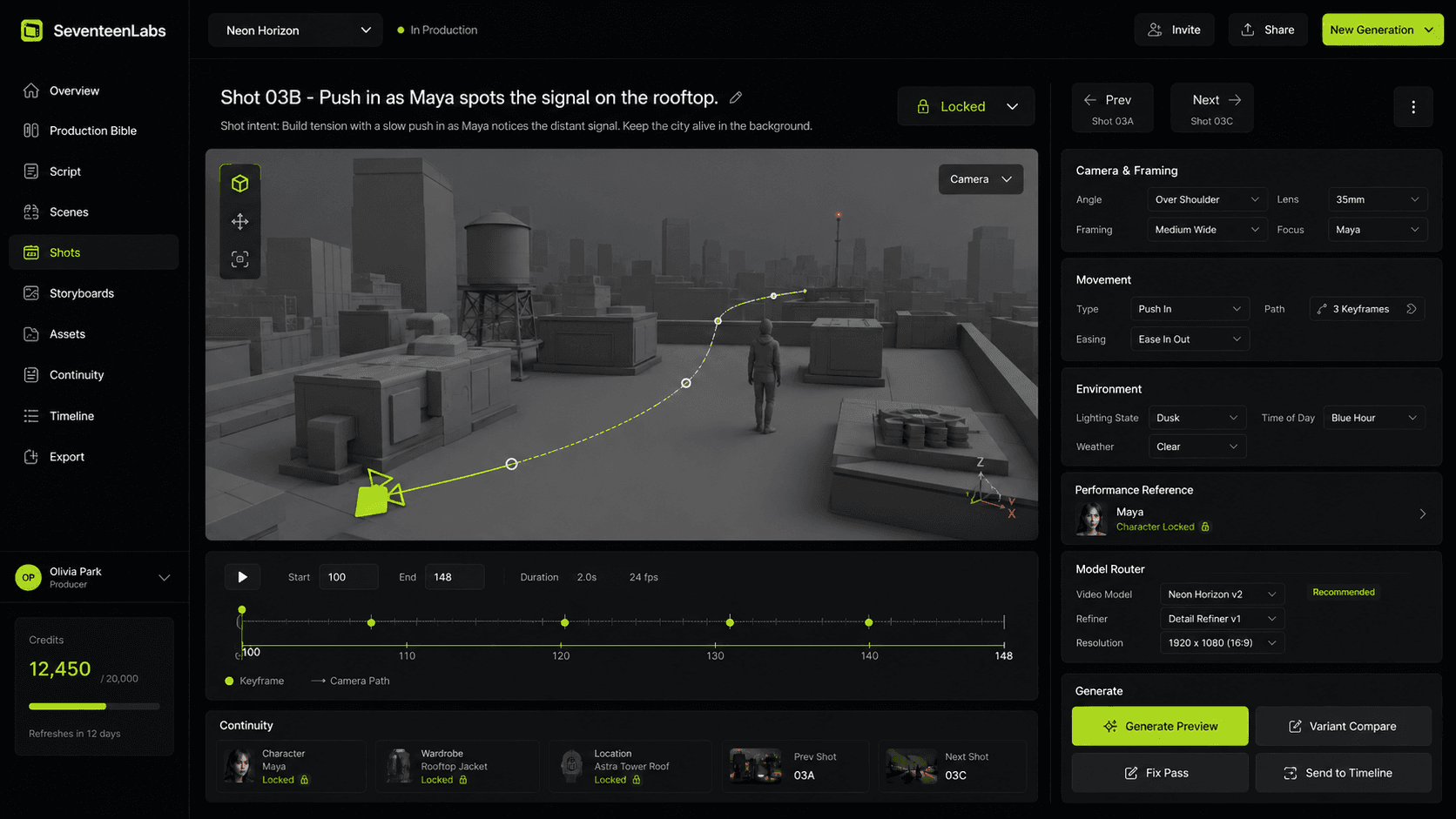
Package shot intent, framing, references, character rules, and continuity notes before you spend credits in generation tools.
Workflow
Instead of prompting from scratch, work like a small virtual production crew. Define what must stay consistent, direct each shot, compare takes, fix mistakes, then move the scene forward.
01
Define the story world, characters, wardrobe, locations, props, tone, and visual rules once.
02
Convert scenes into beats, shot lists, camera moves, references, and continuity requirements.
03
Prepare prompts, references, continuity requirements, and fix notes so every retry has a clear reason.
04
Keep accepted shots, rejected versions, notes, and next-shot requirements connected to the same production record.
What SeventeenLabs manages
Your project should remember more than the final render. It should remember why the shot exists, which references were used, what changed, what failed, and what needs to match in the next take.
Pricing
This is pricing validation, not final packaging. We are testing which price point and package creators are willing to select for a production system plus generation credits.
Early Access Creator
For solo AI filmmakers.
For solo filmmakers and creators building shorts, trailers, music videos, or episodic content.
Early Access Pro
For creators producing regularly.
For serious creators making recurring AI series, higher-volume projects, or client work.
Studio Access
For teams and client production.
For small agencies, creative studios, and teams.
Early access members lock in their selected price while subscribed.
You are not charged when you apply. Accepted members receive a payment link to activate access for the exact plan they selected.
Early access FAQ
Early access members get first access to Production Bible, script-to-shot planning, continuity locks, and shot-generation briefs. More advanced tooling rolls out after those foundations are working with real projects.
Applications are reviewed manually. After you apply, the confirmation email repeats your selected plan and price. If your project is a fit for the current early access group, you receive the Stripe checkout link for that exact plan with expected onboarding timing.
The product is still being shaped around real production workflows. Invite-only access keeps onboarding focused on creators who can give useful feedback and actually use the first capabilities.
Yes. Each early access plan is monthly. You can cancel before the next billing cycle.
Yes. Early access members lock in the selected plan price while their subscription remains active.
Each early access plan includes monthly generation credits. Additional credits are available anytime, and credit cost varies by model, duration, resolution, and generation type.
The first build focuses on planning and production memory around tools creators already use, such as Runway, Kling, Veo, Midjourney, and similar generators. Direct model routing will roll out only after the core workflow is stable.
Bring the script, characters, locations, and shot ideas. SeventeenLabs helps turn them into a repeatable AI production pipeline.